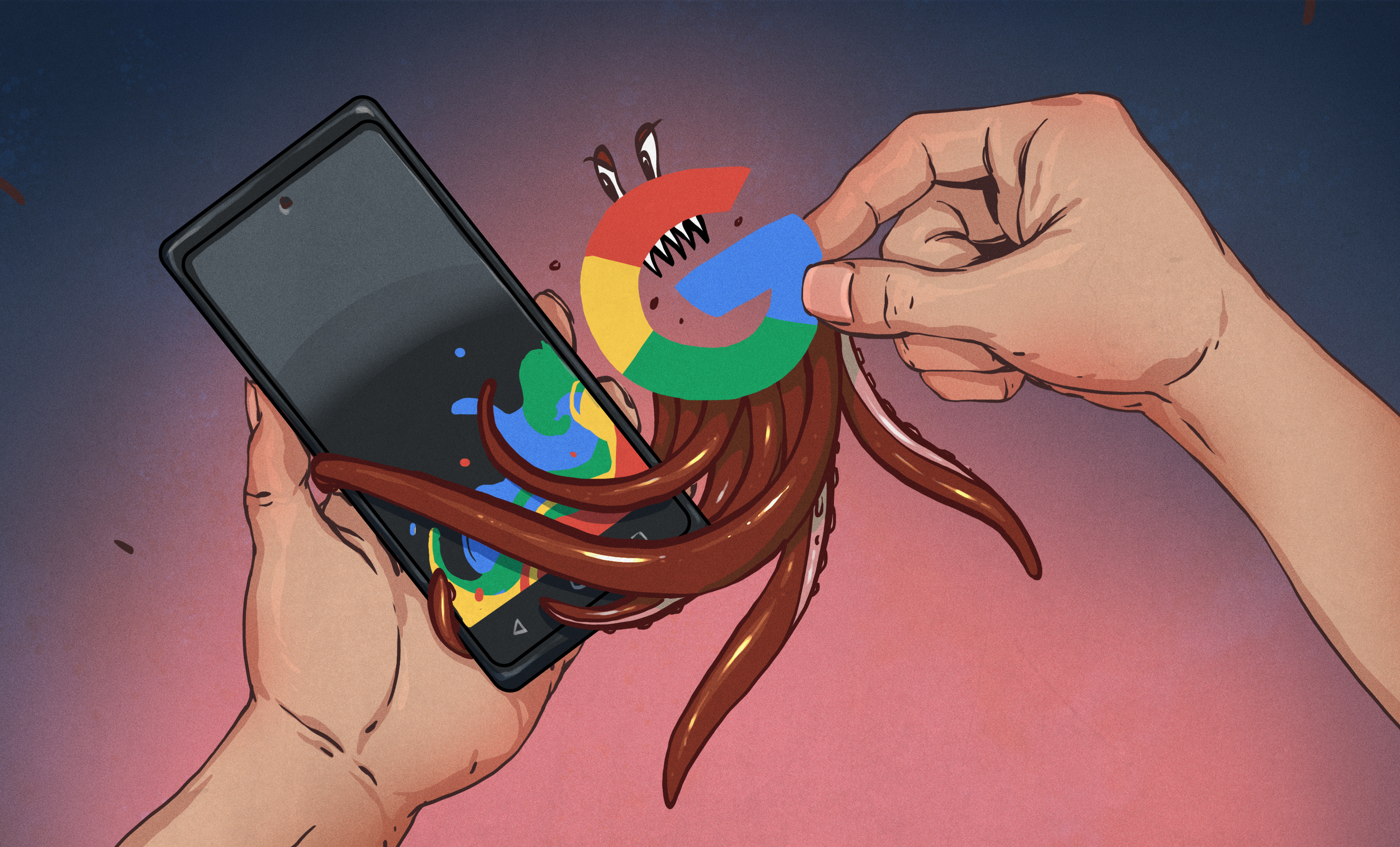
There comes a moment in every privacy-minded person’s life when they look at their smartphone and think, “This tiny rectangle knows a suspicious amount about me.” It knows where you’ve been, what you searched at 2 a.m., which restaurant you almost visited, and possibly your secret obsession with weather radar. That’s usually when the dream begins: a de-Googled smartphone.
For some people, that dream is about privacy. For others, it is about control, digital minimalism, or the simple joy of using technology without feeling like they are renting their own life back from a handful of giant companies. Whatever the motivation, the idea of removing Google from a smartphone has become more mainstream, more practical, and, yes, more complicated.
This guide breaks down what a de-Googled smartphone really is, why people want one, which options exist, and what daily life actually feels like after you kick Google out of the passenger seat. Spoiler: it can be liberating. It can also be mildly irritating. Sometimes both before lunch.
What Is a De-Googled Smartphone?
A de-Googled smartphone is typically an Android phone that removes or minimizes Google’s apps, services, trackers, and account dependencies. That means no standard Google Play Services running with broad system access, no Gmail baked into the experience, and often no Play Store as the default app source.
Instead, users turn to alternative mobile operating systems such as GrapheneOS, CalyxOS, /e/OS, or LineageOS. These systems are usually built on the Android Open Source Project, which is the open-source foundation of Android, then modified to strip out or replace Google-specific components.
That distinction matters. A de-Googled phone is not always a phone with zero Google code anywhere in existence. In many cases, it is a phone designed to reduce Google’s role, limit Google’s privileges, and give the user more say over what gets installed, tracked, synced, and shared.
Why People Want to De-Google Their Phones
Privacy Concerns
The biggest reason is privacy. Many users are uncomfortable with how much personal data can flow through modern smartphones. Location history, ad identifiers, app activity, cloud backups, search habits, voice input, and device telemetry can create a remarkably detailed portrait of someone’s life.
A de-Googled smartphone appeals to people who want fewer default data pipelines and more explicit choices. It is not a magic invisibility cloak, but it can significantly reduce passive sharing and make privacy settings less of a scavenger hunt.
Security and Control
Some users are less focused on advertising and more interested in security hardening. Projects like GrapheneOS are especially attractive to people who want stronger sandboxing, tighter permissions, and a more security-focused design. Others simply want control over what runs on their phone, what gets updated, and which app stores they trust.
Digital Independence
There is also a philosophical angle. A de-Googled phone represents a vote for user autonomy. It says, “I would like my phone to behave less like a shopping mall concierge and more like a tool I own.” That sentiment has grown as more people question platform lock-in, surveillance capitalism, and app ecosystems that seem increasingly allergic to user freedom.
The Main Options for a De-Googled Phone
GrapheneOS
GrapheneOS is often considered the gold standard for people who care deeply about security and privacy. It is best known for running on Google Pixel hardware, which is ironic in a chef’s-kiss sort of way. You buy a Google-made phone to reduce Google’s power over your phone. Welcome to modern tech.
What makes GrapheneOS stand out is that it does not simply rip out Google and hope for the best. It adds meaningful security improvements and lets users install sandboxed Google Play if they need better app compatibility. That approach gives people a middle path: use some Google-dependent apps without handing Google the same privileged system role it has on standard Android.
CalyxOS
CalyxOS aims for a friendlier balance between privacy and convenience. It often appeals to users who want a de-Googled Android experience without turning every app installation into an emotional journey. It commonly uses microG, an open-source replacement for some Google services, which can help with notifications, maps integration, and app compatibility.
This makes CalyxOS feel more approachable for everyday users, though some purists prefer the stricter separation found in GrapheneOS.
/e/OS
/e/OS is built for users who want a softer landing. It replaces common Google services with alternatives, adds privacy-focused tools, and offers the App Lounge to help people install apps with less friction. It is often described as one of the most consumer-friendly paths into the de-Googled world.
If GrapheneOS is the serious security engineer in the room, /e/OS is the helpful friend who brings snacks and says, “Let’s make this easier.”
LineageOS
LineageOS is the classic option for tinkerers. It supports many devices and offers a clean, customizable Android experience. However, it is not inherently a complete privacy solution on its own. Much depends on how you configure it, whether you add Google apps, and which repositories or services you use afterward.
In other words, LineageOS gives you freedom, but freedom comes with homework.
The Real-World Tradeoffs Nobody Should Ignore
App Compatibility Can Be Messy
This is the part where the privacy dream meets your banking app and loses a round. Some apps expect Google Play Services, SafetyNet-style checks, push notification frameworks, or official Play distribution. On a de-Googled phone, that can mean missing alerts, broken login flows, or apps that refuse to run because they detect modified firmware.
Banking apps, ride-share apps, streaming services, and some workplace tools can be especially fussy. Two-factor authentication apps and apps that rely heavily on Google infrastructure may also behave unpredictably.
Sideloading Is Not Frictionless
Without relying on the Play Store, many users turn to F-Droid, Aurora Store, App Lounge, or direct APK installation. That gives more flexibility, but it also adds complexity. You may need to think more carefully about software sources, update timing, signature verification, and whether an app’s latest version is being distributed through the channel you prefer.
Put simply, you gain freedom, but you also inherit the chores normally hidden behind Big Tech’s shiny curtains.
Updates Matter More Than Ever
A de-Googled phone is only as strong as its update story. Security patches, firmware support, and operating system maintenance are not glamorous, but they are the difference between “privacy-conscious” and “romantically attached to avoidable risk.”
This is why hardware choice matters. Pixel devices are often recommended for privacy-focused operating systems because they have strong security features and better update support. An old unsupported phone running a custom ROM may feel rebellious, but it can also become a pocket-sized liability.
What Daily Life on a De-Googled Smartphone Actually Feels Like
Daily life on a de-Googled smartphone depends on your expectations. If you want everything to work exactly like stock Android, you may be disappointed. If you want a phone that feels calmer, cleaner, and less entangled with one company’s ecosystem, you may be delighted.
Many users report that the initial setup is the hardest part. You need to choose an app store strategy, swap in alternatives for maps, email, cloud storage, keyboard, browser, notes, and sometimes messaging. Once that is done, the experience can settle into something surprisingly normal.
Your phone still takes photos. It still browses the web. It still sends messages, plays music, shows directions, and occasionally distracts you from doing laundry. The difference is that you become more aware of the machinery underneath. That awareness is both empowering and, on certain days, deeply annoying.
Best Alternatives to Google Apps and Services
Search and Browser
Many de-Googled users switch from Chrome and Google Search to browsers like Firefox-based options and search engines that emphasize privacy. This is often the easiest part of the transition.
Email and Cloud Storage
Replacing Gmail and Google Drive takes more effort, especially if your digital life is already tangled up in years of filters, documents, and shared folders. Still, plenty of privacy-focused users make this shift successfully by moving to independent email and storage providers.
Maps and Navigation
This is one of the trickier categories. Google Maps is polished for a reason. Alternatives can work well, but the experience may vary based on your region, transit needs, and how much patience you have for rerouting instructions that sound slightly less confident.
App Distribution
F-Droid remains a favorite for open-source apps. Aurora Store is popular for accessing Play-distributed apps without leaning fully into a Google-centered setup. /e/OS users may prefer App Lounge. Each route has benefits, limitations, and varying degrees of convenience.
Who Should Consider a De-Googled Smartphone?
A de-Googled smartphone makes sense for privacy enthusiasts, security-conscious users, journalists, activists, developers, and anyone tired of living inside a heavily tracked mobile ecosystem. It also suits people who enjoy tinkering and do not panic when a setup guide contains phrases like “unlock bootloader.”
It may not be ideal for users who rely on flawless mainstream app compatibility, who want zero maintenance, or who would consider any installation step beyond tapping “next” to be an act of personal betrayal.
The sweet spot is someone who values privacy enough to accept tradeoffs but still wants a practical everyday smartphone. That is why the de-Googled world has become more interesting lately: it no longer belongs only to hobbyists wearing metaphorical Linux capes.
How to Choose the Right Path
If security is your top priority, start by researching GrapheneOS on supported Pixel devices. If convenience and privacy balance matter more, CalyxOS or /e/OS may be better fits. If you want maximum customization or want to revive older hardware, LineageOS deserves a look.
Before switching, make a list of your must-have apps. Test alternatives. Check whether your bank, work tools, transit apps, and messaging platforms can function properly. Think about backups, updates, and whether you are comfortable troubleshooting the occasional weird issue without dramatically blaming the moon.
Final Thoughts on Pining for a De-Googled Smartphone
Pining for a de-Googled smartphone is not really about hating technology. It is about wanting a healthier relationship with it. It is about reducing dependency, increasing transparency, and pushing back against the idea that convenience must always come bundled with surveillance, lock-in, and endless background data collection.
No de-Googled phone is perfect. Some setups are more secure than convenient. Some are more convenient than pure. Some will make you feel like a digital sovereign citizen. Others will make you mutter at a stubborn app while standing in a parking lot. That is part of the journey.
Still, the movement matters. It proves that users want options. They want privacy-focused smartphones, open-source mobile operating systems, and alternatives to the default mobile bargain that says, “Here’s your amazing device, and in exchange, we’d like to know everything.”
Sometimes pining is the first step. Then comes experimenting, learning, and maybe realizing that the ideal smartphone is not the smartest one. It is the one that minds its own business.
Extended Experience: Living With the Dream of a De-Googled Smartphone
The experience of using a de-Googled smartphone often starts with excitement and ends, at least temporarily, with a strange mix of pride and confusion. At first, everything feels noble. You are not just setting up a phone; you are reclaiming your digital life. You install a privacy-focused operating system, swap out default apps, and feel like the protagonist in a very polite cyberpunk novel.
Then reality shows up wearing sweatpants. A food delivery app refuses to load properly. Your bank app acts as if you have personally offended it. Push notifications arrive late, or not at all, and suddenly you are learning more than expected about how modern apps depend on Google’s infrastructure.
But here is the interesting part: after the awkward phase, many users find that the de-Googled lifestyle becomes not only manageable, but refreshing. The phone feels quieter. There is less visual clutter, fewer nudges to sign in, fewer moments where the device seems eager to funnel you into one company’s preferred services. You start choosing tools more intentionally.
That intentionality changes the relationship. Instead of accepting whatever comes preloaded, you begin asking better questions. Do I need this app? Is there a simpler alternative? Does this service respect my privacy, or is it just wearing a nice policy document like a Halloween costume? A de-Googled phone does not automatically make someone a privacy expert, but it does make passive technology use harder. In this case, that is a good thing.
There is also a subtle emotional shift. Many people feel less watched, even if they know total privacy is impossible. That feeling matters. Technology affects behavior, and a device that constantly nudges you toward account logins, cloud syncing, targeted suggestions, and invisible data sharing creates a different kind of digital atmosphere than one built around restraint and user choice.
Of course, the experience is not all serene enlightenment. Sometimes it is downright goofy. You may spend twenty minutes troubleshooting a maps app just to visit a coffee shop five minutes away. You may explain to confused friends why your phone does not use the Play Store in the usual way. You may become the person who says phrases like “sandboxed services” at brunch, which is a risky lifestyle choice.
Still, there is satisfaction in making your smartphone feel more like a tool than a funnel. Even when the process is inconvenient, it can be deeply educational. You learn how app ecosystems work, how permissions shape privacy, how much of modern mobile life depends on invisible background services, and how many “normal” conveniences are really tradeoffs in disguise.
In the end, pining for a de-Googled smartphone is often about more than software. It reflects a broader desire to use technology on more human terms. Not perfectly. Not purely. Just more consciously. And in a world where our devices are always asking for more access, more syncing, more tracking, and more trust, that kind of conscious friction can feel less like a burden and more like freedom.