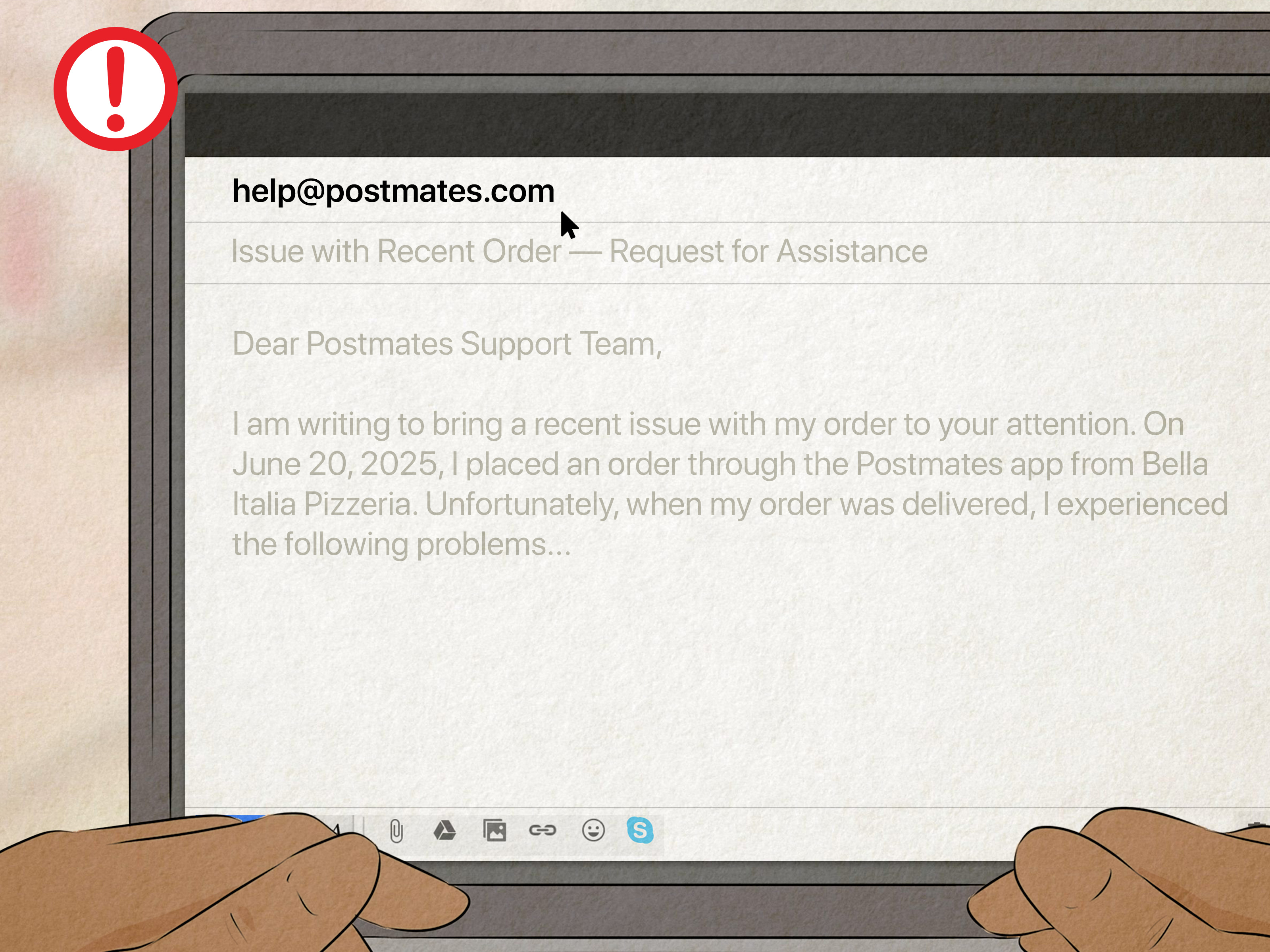
Trying to contact Postmates customer service can feel a little like chasing a delivery driver on a map: close, closer, suddenly three blocks away, then somehow “arriving now.” The good news is that getting help is not mysterious once you know where to tap, what information to prepare, and which support route fits your problem.
Because Postmates is now part of Uber’s delivery ecosystem, most Postmates customer support happens through the Postmates app, the Postmates Help Center, or Uber-powered support forms. That means the best path is usually not searching for a random “Postmates phone number” on the internet. The fastest path is using the order, account, or membership help flow connected to your actual profile.
This guide explains how to contact Postmates customer service quickly, what to do for missing orders, wrong items, refunds, account issues, Uber One billing, merchant support, and delivery-related questions. Think of it as a calm customer service GPS, minus the dramatic rerouting.
Quick Answer: The Fastest Way to Contact Postmates Customer Service
The fastest way to contact Postmates customer service is through the Postmates app or the official Postmates Help Center. For order problems, open the app, go to your order history, select the affected order, tap help or report an issue, choose the closest problem category, and submit the details. For account problems, use the account support forms in the Help Center. For active delivery problems, use the contact option inside the live order screen when available.
Best contact method by issue
- Missing, wrong, damaged, or late order: Use the order help section in the Postmates app.
- Refund request: Report the issue from the specific order as soon as possible.
- Can’t sign in: Use the official account recovery page or password reset flow.
- Suspicious charge or hacked account: Use the security or unauthorized activity form.
- Uber One or membership billing: Go to Account, then Uber One, then Manage Membership.
- Restaurant or merchant support: Use Uber Eats Manager, merchant support, or your account manager.
- Delivery person support: Use the delivery app help section or Uber delivery support resources.
Step-by-Step: How to Contact Postmates Customer Service in the App
If your issue is connected to an order, the app is usually your best friend. It already knows your order number, restaurant, delivery time, address, payment method, and receipt. That saves you from typing a customer service novel while your fries slowly become architectural material.
1. Open the Postmates app
Start by opening the Postmates app on your phone. Make sure you are signed in to the same account used to place the order. If you used Apple, Google, email, or phone sign-in, use the matching login method so your order history appears correctly.
2. Go to your recent orders
Find your order history or receipts. Depending on the app version, this may appear under account, orders, activity, or a clock-style history icon. Select the order that caused the problem.
3. Tap Help, Report an Issue, or Contact Support
Once you open the order, look for the help option. Postmates support is organized by problem type, so choose the category that most closely matches what happened. Common options include order never arrived, wrong or missing items, food quality issue, damaged order, delivery person issue, payment issue, or cancellation concern.
4. Describe the problem clearly
Use short, specific details. Instead of writing, “Everything was bad,” write something like: “The order was marked delivered at 7:42 p.m., but it was not at my door, lobby, or building entrance. I checked with the front desk and neighbors.” Clear details help support review the case faster.
5. Add photos if useful
If the issue involves damaged food, spilled drinks, missing items, or wrong items, photos can help. Take pictures before throwing anything away. A photo of the receipt, sealed bag, incorrect item, or damaged packaging can make your case easier to understand.
6. Submit the request
After you submit, watch your email and app notifications. Postmates may respond through the app or by email. Keep replies polite, brief, and organized. Customer service agents are much more likely to solve a clear issue than decode an emotional burrito crime scene.
How to Contact Postmates Customer Service from the Website
If you do not have the app nearby, you can use the official Postmates Help Center online. This is especially useful for account access problems, forgotten email addresses, password resets, suspicious charges, membership issues, and general support forms.
Go to the Postmates Help Center, sign in if possible, search for your issue, and select the article or form that matches your problem. If the issue requires support, the page will usually ask for details such as your name, phone number, email address, order information, and a description of what happened.
The website route is helpful when your phone is unavailable, the app is frozen, or you cannot log in. However, for order-specific problems, the app often gives the cleanest path because it connects your complaint directly to the exact order.
How to Contact a Postmates Driver During an Active Order
For a live delivery, the tracking screen may show a contact option. This can allow you to call or text the delivery person about practical delivery details, such as gate codes, apartment numbers, drop-off instructions, or a confusing building entrance.
Use this option for real-time delivery coordination, not for refund negotiations. Delivery people can help find your door, clarify instructions, or update you from the road, but they usually cannot issue refunds, change charges, or solve account problems. For those issues, use Postmates customer support.
Good reasons to contact the delivery person
- Your apartment building has a tricky entrance.
- You forgot to include a gate code.
- The map pin is slightly wrong.
- You need to explain where to leave the order.
- The delivery person says they arrived but you cannot find them.
What not to ask the delivery person
Do not ask the driver to refund you, cancel the order after pickup, pay for missing items, or contact the restaurant on your behalf unless the app specifically directs that flow. Keep the message practical: location, timing, and handoff instructions.
How to Report a Missing Postmates Order
A missing order is one of the most common reasons people search for Postmates customer service. Maybe the app says “delivered,” but your doorstep looks emptier than a gym in February. Before contacting support, check the nearby area, lobby, reception desk, side door, porch, and delivery photo if available.
If the order truly never arrived, open the order in the app and choose the option for an order that never arrived. Include the delivery time, what you checked, and whether you contacted the driver. Submit the request as soon as possible because delivery platforms often handle refund eligibility better when reports are made quickly.
Example message for a missing order
“My order was marked delivered at 8:15 p.m., but I did not receive it. I checked my front door, side entrance, lobby, and building desk. I also looked for a delivery photo but could not locate the order. Please review the delivery and help with a refund or credit.”
How to Report Wrong, Missing, or Damaged Items
If your burger arrived but your fries went on a spiritual journey elsewhere, report the issue from the order page. Choose the closest category, such as wrong item, missing item, damaged item, or poor food quality. Select the affected items if the app asks you to identify them.
Be specific. “Missing one large fries and one chocolate shake” is better than “half my order is gone.” If you received someone else’s order, say that clearly and include a photo if possible. If the food was damaged in transit, describe the condition: spilled soup, crushed container, leaking bag, broken seal, or unsafe packaging.
How to Request a Postmates Refund
Postmates refund requests are typically handled through the help flow connected to your order. Refunds are not guaranteed in every situation, but support may review the issue and offer a refund, partial refund, credit, or other adjustment depending on what happened.
The key is speed and evidence. Report the problem quickly, choose the correct issue category, attach photos when relevant, and avoid exaggeration. Support teams deal with thousands of cases, and clean information works better than a dramatic courtroom speech about a missing taco.
Refund request checklist
- Report the issue from the exact order.
- Choose the most accurate issue type.
- List the affected items by name.
- Add photos for damage, wrong items, or poor quality.
- Explain whether the order was late, incomplete, unsafe, or never delivered.
- Check your email and app notifications for updates.
How to Contact Postmates About Account Login Problems
If you cannot sign in, do not create multiple new accounts unless support tells you to. Multiple accounts can make order history, credits, phone numbers, and payment records more confusing. Instead, use the account recovery tools.
For a forgotten password, request a password reset link. For a forgotten email address, use the official form and provide identifying information such as your name, phone number, and contact email. If your phone number or email changed, look for the account update or lost access support path.
One important safety tip: customer support should not ask for your password. If anyone claiming to be support requests your full password, verification code, or full card number through a suspicious message, stop and use the official app or Help Center instead.
How to Contact Postmates About Unauthorized Charges or a Hacked Account
If you see Postmates or Uber-related charges you do not recognize, act quickly. First, check your order history, email receipts, family accounts, shared devices, and any Uber or Uber Eats activity connected to the same login. Because Uber accounts can be linked across services, a charge may appear under a related account activity.
If you still do not recognize the charge, use the official support form for unrecognized charges or compromised accounts. Provide the email, phone number, first six and last four digits of the card if requested, and a brief explanation. Do not include your full card number in a support message.
If you believe your account was hacked, reset your password, review your payment methods, remove unfamiliar cards, check recent orders, and contact support through the account security flow. Also consider enabling stronger sign-in protections where available.
How to Contact Postmates About Uber One or Membership Billing
Postmates users may see Uber One membership options because the platform is part of Uber’s delivery network. Uber One can include delivery and ride-related perks, depending on eligibility, location, and participating merchants.
To manage membership billing, open the app, go to Account, select Uber One, and choose Manage Membership. From there, you can review your plan, payment method, renewal details, and cancellation options. If you believe a discount did not apply correctly, use the Uber One help topic connected to your account.
If you are canceling near your renewal date, read the cancellation details carefully. Subscription billing can be picky about timing, and picky billing systems are basically tiny robots wearing accountant glasses.
Does Postmates Have a Customer Service Phone Number?
For most customers, the most reliable support path is the app or official Help Center, not a general phone number found on third-party websites. Some phone support options may exist for specific groups, such as merchants, delivery partners, premium support users, or certain active support flows, but ordinary order issues are usually handled inside the app.
Be cautious with random numbers listed on forums or complaint sites. They may be outdated, unofficial, or intended for a different type of user. Using the app protects your privacy and connects the support request to your order record.
How Restaurants and Merchants Can Contact Postmates Support
Restaurants and merchants usually have separate support routes from customers. If you manage a restaurant, use Uber Eats Manager, merchant support resources, your account manager, or the merchant contact options connected to your business account. Merchant issues may include storefront hours, menu updates, pricing, active orders, tablet problems, payout questions, and integration support.
Do not use the customer order complaint flow for restaurant operations. It is like bringing a forklift to parallel parking: technically related to movement, but not the correct tool.
How Delivery People Can Get Postmates Support
Delivery people should use the delivery app help section or Uber delivery support resources. Driver and courier issues may include sign-in problems, background checks, active delivery complications, payment questions, vehicle updates, customer handoff problems, and app troubleshooting.
If you are currently on a delivery, use in-app support whenever possible. Active delivery issues are time-sensitive, and the app can route you to the relevant support path more accurately than a general search engine result.
Tips to Get a Faster Response from Postmates Customer Service
Customer service is partly about choosing the right channel and partly about giving the support team exactly what they need. A messy report can slow down the process, even if your complaint is valid.
Use the correct issue category
If your order never arrived, do not choose “food quality.” If your food was cold but delivered, do not choose “order never arrived.” The closer your category matches the problem, the faster support can route it.
Keep your message short and factual
Support agents do not need a 900-word memoir titled “The Night My Pad Thai Betrayed Me.” They need the order, issue, affected items, timing, and requested resolution.
Contact support quickly
For order issues, do not wait several days if you can avoid it. Quick reporting helps because delivery records, driver location information, restaurant details, and photos are easier to review close to the order time.
Save receipts and screenshots
Keep your receipt, order confirmation, delivery photo, chat messages, and photos of damaged items until the issue is resolved. Screenshots are especially useful if the app shows an error, missing discount, incorrect charge, or delivery status mismatch.
Be polite but firm
You can be clear without being rude. Try: “I understand mistakes happen, but I paid for items that were not delivered. Please review the order and let me know whether a refund or credit is available.” That works better than typing in all caps, unless your caps lock is also emotionally damaged.
Common Postmates Customer Service Problems and What to Do
My order is late
Check the live tracking screen first. If the order is still active, look for updates or contact options. If it is significantly late, use the order help section after delivery or when the app provides a support option.
My order was canceled
Review the cancellation notice and receipt. Orders may be canceled because the merchant cannot fulfill the order, the delivery person cannot complete pickup, payment fails, or items become unavailable. If you were charged and do not see a refund or adjustment, contact support through the order.
I received someone else’s order
Take photos of the items and receipt if available, then report the issue from your order history. Do not eat the food if there are safety or allergy concerns.
The app charged the wrong payment method
Check your wallet or payment settings. If the charge still appears incorrect, contact support and include the order date, amount, last four digits of the charged card, and what payment method you expected to use.
I cannot update my phone number or email
Use the account profile support flow. You may need verification codes or password confirmation. Make sure the email address is spelled correctly and check spam or junk folders for verification messages.
Experience-Based Advice: What Actually Helps When Contacting Postmates Customer Service
After dealing with delivery app support systems, one pattern becomes obvious: the platform responds best when your issue is attached to a specific order and explained like a clean receipt, not a mystery novel. The app already has the order number, store, time, delivery route, payment details, and driver assignment. When you report from the order page, you are essentially handing support a labeled file folder instead of tossing confetti into the wind.
The first experience-based rule is to avoid starting with social media unless you only need general direction. Social platforms can sometimes get attention, but they are not the safest place to share order details, addresses, phone numbers, or payment information. Use public comments only to ask where to get help, not to post private information. For real support, move back to the app or official Help Center.
The second rule is to document the issue before cleaning it up. If your drink spilled inside the bag, take a picture before wiping everything down. If half the order is missing, take a picture of what arrived. If the delivery photo shows the wrong building, screenshot it. These details can make the difference between “we’re sorry” and “we reviewed your case and made an adjustment.”
The third rule is to match your request to the problem. If one item is missing, ask for a refund for that item. If the entire order never arrived, ask support to review the delivery and refund or credit the order. If a promotion failed, ask them to review the promotion terms and order eligibility. Clear requests are easier to approve than vague complaints.
The fourth rule is patience with persistence. If the first response does not solve the issue, reply with new information, not just frustration. For example: “Thanks for reviewing. I want to clarify that the order was marked delivered, but the delivery photo does not show my address. I checked the lobby and front desk. Could you please review again?” That message is calm, specific, and gives support a reason to reopen the case.
The fifth rule is to check whether the problem is actually with Postmates, the merchant, or your bank. Missing fries? Postmates support. Menu item unavailable? Merchant issue handled through the order. Pending charge? It may be a bank authorization that settles later. Unauthorized activity? Contact support and consider contacting your card issuer too. Knowing which party controls the fix saves time and prevents the classic customer service ping-pong match.
Finally, keep your expectations realistic. Delivery apps handle refunds case by case. You may receive a full refund, partial refund, account credit, or no adjustment depending on the evidence, timing, order history, and policy. That may not sound thrilling, but it is better than guessing. The best strategy is simple: report quickly, stay factual, include proof, use official channels, and keep all messages in one thread. It is not magic, but it is the closest thing to a customer support cheat code.
Conclusion
Contacting Postmates customer service is easiest when you start in the right place. For order problems, use the Postmates app and report the issue from the exact order. For login, security, billing, or membership questions, use the official Help Center and account support forms. For live delivery coordination, use the contact option on the tracking screen when available.
The most important rule is simple: be fast, specific, and organized. Include the order details, explain what happened, add photos when useful, and keep your communication inside official support channels. Whether your food never arrived, your milkshake became abstract art, or your Uber One discount decided to take a personal day, the right support path gives you the best chance of a quick resolution.