Note: This guide is for educational purposes only and is not investment, legalreversible, and cryptocurrency values can move faster than a cat hearing a can opener.
Creating an online Bitcoin wallet sounds simple: download an app, click a button, admire your shiny new address, and suddenly feel like you own a tiny digital bank. In reality, the setup is easy. The responsibility part is where things get interesting.
An online Bitcoin wallet can help you receive, store, and send bitcoin through a website, mobile app, desktop program, or connected hardware device. But not every wallet works the same way. Some companies hold the private keys for you. Others give you full control, which is empowering right up until you lose your recovery phrase behind a drawer full of mystery cables.
This guide explains 11 practical ways to create an online Bitcoin wallet safely, how to choose the right wallet type, and what experienced users wish they had known before their first transfer.
What Is an Online Bitcoin Wallet?
A Bitcoin wallet does not physically hold bitcoin in the way a leather wallet holds cash. Bitcoin exists on the blockchain, a public ledger that records transactions. Your wallet manages the private keys or signing credentials that prove you can move bitcoin associated with a particular address.
Think of a Bitcoin address as an email address for receiving funds. Think of a private key or recovery phrase as the master key to the mailbox. You can share your receiving address. You should never share the private key, recovery phrase, backup words, or wallet password.
Online Bitcoin wallets are often called hot wallets because they connect to the internet. They are convenient for regular use, but internet access also creates risk. A good setup balances convenience, security, recovery options, privacy, and the amount of bitcoin you plan to hold.
11 Ways to Create an Online Bitcoin Wallet
1. Create a Hosted Wallet Through a Reputable Crypto Platform
A hosted wallet is usually the easiest way for a beginner to get started. You create an account with a cryptocurrency platform, complete its identity-verification process when required, secure the account, and use the wallet provided inside the platform.
This option is convenient because the provider handles much of the technical work. You may be able to buy bitcoin, sell it, transfer it, and review transaction history in one place. The trade-off is custody: the provider may control the private keys on your behalf.
Hosted wallets can be useful for small balances, frequent trading, or people who want customer support. Before using one, review its security tools, withdrawal controls, account-recovery policies, fees, supported regions, and reputation. Convenience is great, but “I forgot my password” should not become “I accidentally lost my life savings.”
2. Open a Self-Custody Wallet From an Official Website
A self-custody wallet gives you direct control of the private keys or recovery phrase. Instead of a company holding the keys, you hold them. This can reduce reliance on a third party, but it also means there is usually no magical support button that can restore your wallet if you lose the recovery phrase.
To create one, visit the wallet provider’s official website by typing the address yourself or using a verified bookmark. Download the software only from the official source. Fake wallet websites can look almost identical to real ones, which is why a single misplaced letter in a web address can become a very expensive typo.
During setup, the wallet may generate a recovery phrase containing 12, 18, or 24 words. Write the words down exactly in the correct order. Store them offline in a secure place. Do not email them to yourself, save them in cloud storage, paste them into a note-taking app, or take a screenshot.
3. Create a Mobile Bitcoin Wallet
A mobile wallet is one of the most popular ways to create an online Bitcoin wallet because your phone is usually nearby, charged, and already carrying approximately 14,000 photos of meals you forgot to post.
Mobile wallets are useful for receiving bitcoin, checking balances, scanning QR codes, and making smaller payments. Install the wallet only through the official app store listing or a verified link from the wallet developer’s website. Check the developer name, review history, download count, and recent updates before installing.
Use a strong device passcode, biometric lock, and wallet-specific password or PIN where available. If the app provides a recovery phrase, protect it offline before depositing money. Treat your phone as a key ring, not a toy. Losing it should be inconvenient, not financially catastrophic.
4. Set Up a Desktop Bitcoin Wallet
A desktop wallet is installed on a Windows, macOS, or Linux computer. It can be a practical choice for users who prefer a larger screen, more detailed transaction controls, or a dedicated device for financial activity.
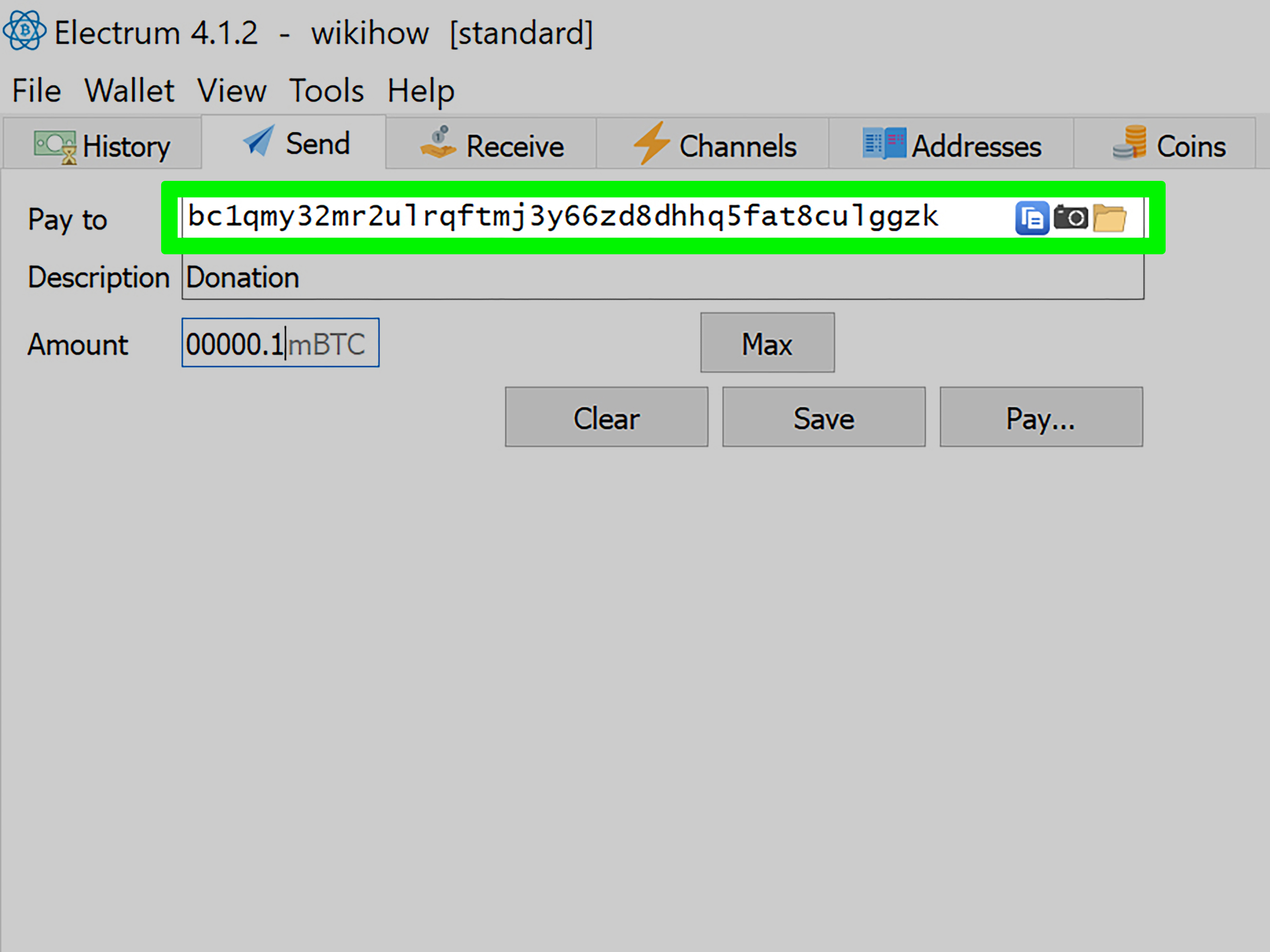
Create the wallet by downloading the software from the official developer website, verifying the download when possible, installing it, and creating a new wallet profile. Many desktop wallets allow you to generate receiving addresses, set transaction fees, and review your transaction history in more detail than a basic mobile wallet.
Keep your computer updated, use reputable security software, lock the device with a strong password, and avoid installing random browser extensions. A desktop wallet can be powerful, but an old laptop with 37 suspicious toolbars is not the cybersecurity equivalent of a vault.
5. Connect a Hardware Wallet to an Online Wallet Interface
A hardware wallet stores private keys on a dedicated physical device while allowing you to interact with your bitcoin through an online application or companion program. This setup gives many users a useful compromise between easy access and stronger protection for larger balances.
When you create the wallet, the device generates the private keys and recovery phrase. The online app may display balances and prepare transactions, but the hardware device generally confirms and signs transfers.
Buy hardware devices directly from the manufacturer or a trusted authorized retailer. Never use a device that arrives with a prewritten recovery phrase. A legitimate device should generate the recovery phrase during your own setup. If the box includes a convenient little card saying, “Here are your secret words,” congratulations: someone may have tried to hand you a treasure chest with a trapdoor.
6. Build a Multi-Signature Bitcoin Wallet
A multi-signature wallet, often called multisig, requires more than one approval before bitcoin can be sent. For example, a two-of-three multisig setup may require two separate keys out of three total keys to authorize a transaction.
This approach can be useful for families, business partners, organizations, or individuals who want to reduce the danger of one lost key, stolen phone, or compromised device. One key can be kept on a hardware wallet, another on a separate device, and another stored securely as a recovery backup.
Multisig adds complexity, so it is not always the best first wallet for beginners. Create a small test wallet first, document the recovery process, and make sure every person involved understands their role. A security system is only helpful when everyone knows which key opens which door.
7. Create a Lightning Bitcoin Wallet for Smaller Payments
The Bitcoin Lightning Network is designed to support faster, lower-cost bitcoin payments through a second-layer network. A Lightning wallet can be useful for small purchases, tips, and frequent transactions where regular on-chain Bitcoin fees may feel like using a moving truck to deliver a sandwich.
When choosing a Lightning wallet, learn whether it is custodial or self-custody. Custodial Lightning wallets may be easier to use, while self-custody options can offer more direct control. Either way, start with a small amount until you understand how receiving invoices, sending payments, and wallet backups work.
For most people, a Lightning wallet works best as a spending wallet rather than a long-term storage vault.
8. Set Up a Watch-Only Bitcoin Wallet
A watch-only wallet lets you monitor bitcoin balances and transactions without storing the private keys needed to spend the funds. This is helpful for people who want to track holdings from a phone or computer while keeping the actual signing keys offline on a hardware wallet or secure device.
You can add public wallet information, such as extended public keys or public addresses, to the watch-only wallet. The wallet can then display incoming payments and transaction history without giving the device authority to send bitcoin.
This setup can be especially useful for long-term holders who want visibility without turning every internet-connected device into a potential spending device.
9. Create a Separate Receiving Wallet for Freelance Work or Business Payments
If you accept bitcoin payments for freelance work, online sales, donations, or a small business, consider creating a dedicated receiving wallet instead of mixing every transaction into your personal wallet.
A separate wallet can simplify bookkeeping, payment tracking, privacy management, and tax preparation. Generate a new receiving address for invoices when your wallet supports it. This makes it easier to match payments to customers or projects without publicly displaying your entire transaction history.
Keep records of the date, amount, market value, purpose of the payment, transaction ID, and related invoice. Bitcoin may be digital, but tax paperwork remains stubbornly analog in spirit.
10. Create a Low-Balance Spending Wallet
One smart way to create an online Bitcoin wallet is to treat it like a checking account rather than a savings vault. Keep only the amount you expect to spend or transfer in the near future, while storing larger long-term balances in a more secure setup.
A low-balance wallet reduces the financial impact of a compromised phone, phishing attack, accidental approval, or device theft. It also makes you more comfortable using bitcoin because you are not constantly worrying that every QR code might be a financial asteroid.
For example, you might keep a small amount in a mobile wallet for payments, a moderate amount in a hardware wallet for personal holdings, and a separate watch-only wallet for monitoring balances.
11. Create a Recovery-Ready Wallet Before Adding Serious Money
The final way to create a Bitcoin wallet is also the most overlooked: build the recovery plan before the balance becomes important. A wallet is not truly finished when you see an address. It is finished when you can recover access after a lost phone, damaged computer, forgotten password, or hardware failure.
Write down the recovery phrase correctly. Store it in a secure offline location. Consider using durable backup materials for long-term storage. Tell a trusted person only what they need to know for emergency planning, without casually handing them the words that control the funds.
Then test the recovery process with a tiny amount. Restore the wallet on a secure backup device or follow the provider’s documented recovery procedure. A recovery plan that has never been tested is like a parachute still sitting in the store window.
Essential Security Steps for Every Online Bitcoin Wallet
Regardless of wallet type, follow a few nonnegotiable security habits:
- Use a unique, long password for every crypto-related account.
- Enable multi-factor authentication, preferably with an authenticator app or hardware security key when supported.
- Do not share recovery phrases, private keys, passwords, verification codes, or remote-access permissions.
- Bookmark official wallet and exchange websites instead of clicking links in ads, texts, or social-media messages.
- Send a small test transaction before transferring a large amount.
- Double-check the Bitcoin network, destination address, and transaction details before approving.
- Keep transaction records for personal accounting and tax reporting.
A legitimate wallet provider, government agency, support representative, or “recovery specialist” should never need your recovery phrase. Anyone asking for it is not helping you secure your bitcoin. They are trying to secure your bitcoin for themselves.
Common Mistakes to Avoid When Creating a Bitcoin Wallet
The most common Bitcoin wallet mistakes are remarkably unglamorous. People rush through setup, skip backups, reuse passwords, trust fake support accounts, or send funds before checking the address.
Do not store your seed phrase in an email draft, cloud document, screenshot folder, or chat message. Avoid using public Wi-Fi for sensitive wallet activity. Do not install wallet software from links sent by strangers. Never grant remote desktop access to someone claiming they need to “verify” your wallet.
Be extra cautious with messages that create urgency. Scammers often claim your account is frozen, your wallet is compromised, your tax payment is overdue, or your funds can be recovered for a fee. Panic is one of their favorite software features.
Real-World Experiences: What People Learn After Creating an Online Bitcoin Wallet
The following examples are composite experiences based on common wallet setup situations. They are designed to show the practical lessons people often learn after their first few Bitcoin transactions.
The Beginner Who Chose Convenience First
Many first-time users begin with a hosted wallet because the process feels familiar. They create an account, verify their identity, connect a payment method, and see a Bitcoin balance within minutes. That experience can be reassuring because it resembles opening a brokerage or banking app.
The lesson usually arrives later: a hosted wallet is convenient, but it is not the same as direct self-custody. Users often discover that account access depends on passwords, verification checks, device security, platform policies, and withdrawal settings. That does not make hosted wallets automatically bad. It simply means the user should understand what is being delegated to the provider.
The First-Test-Transfer Lesson
Experienced Bitcoin users often repeat one piece of advice: send a tiny test transaction first. At first, this can seem unnecessary. The receiving address looks correct, the QR code scans properly, and surely copying 34 or more characters cannot possibly go wrong.
Then someone notices that the wallet generated a new address, pasted an old address from their clipboard, selected the wrong network, or misunderstood the fee estimate. A small test transfer turns uncertainty into a low-cost lesson. Once the test arrives, the larger transfer becomes much less stressful.
This habit is especially valuable when moving bitcoin between a hosted account and a self-custody wallet for the first time. The waiting period may feel longer than a microwave countdown, but confirmation is worth the patience.
The Recovery Phrase Reality Check
Another common experience happens when a phone is lost, upgraded, damaged, or reset. Users who wrote down their recovery phrase carefully can restore their wallet and breathe again. Users who skipped the backup step often discover that password recovery is not the same as key recovery.
A recovery phrase is not just a password hint. It can restore access to the wallet’s funds. That is why it must be kept offline and away from prying eyes. The best backup is one that is accurate, readable, secure, and still available years later.
Some people write the phrase once and never check it. A better approach is to verify the words during setup, review them again after writing them down, and test recovery with a small balance. Careful users do not trust memory alone, especially when memory is also responsible for where the spare house key went.
The Fake Support Trap
Many wallet users first encounter fraud through social media, search results, text messages, or fake customer-support pages. A person posts online that they need help, and a stranger immediately replies with a helpful-looking profile, a professional logo, and a suspicious eagerness to “assist.”
The scammer may ask for a recovery phrase, tell the victim to connect the wallet to a verification website, request a one-time code, or instruct them to scan a QR code. In reality, these actions can authorize a transfer to the scammer.
The lesson is simple: get support only through official websites and official in-app channels. Never search for customer-service phone numbers through random ads or social-media comments. A legitimate support team may help you understand a process, but it should not need your secret credentials.
The “One Wallet for Everything” Problem
Some users start with one wallet for savings, payments, trading transfers, donations, and freelance income. Over time, the transaction history becomes a digital junk drawer. It is harder to track what each payment was for, harder to separate personal spending from business activity, and harder to calculate records later.
Experienced users often divide their bitcoin activity into purposeful wallets: a low-balance spending wallet, a longer-term storage wallet, a business receiving wallet, and possibly a watch-only wallet for monitoring. This does not require building a complicated crypto command center. It simply creates cleaner boundaries.
The Tax-Time Surprise
One lesson often arrives at tax time. People remember buying bitcoin, but they may forget small sales, swaps, rewards, payments received, or transfers between platforms. Good records can save a tremendous amount of time later.
Keeping a simple spreadsheet or using reliable transaction-tracking tools can help. Record dates, amounts, transaction IDs, wallet addresses when appropriate, fees, and the reason for each transaction. It may not be thrilling, but neither is reconstructing a year of wallet activity while staring at a calendar and questioning every decision you made in April.
Conclusion: Choose the Wallet That Matches Your Real Needs
The best way to create an online Bitcoin wallet depends on how you plan to use bitcoin. A hosted wallet may suit beginners and active users. A self-custody wallet can offer more direct control. A hardware wallet, multisig setup, watch-only wallet, or separate spending wallet may make sense as your balance and experience grow.
Whatever option you choose, start small, secure every account, protect recovery information offline, test transfers carefully, and never let urgency make decisions for you. Bitcoin wallet setup is not about finding the flashiest app. It is about creating a system you can understand, secure, and recover.