So, you want to delete an Instagram account, but there is one tiny problem: you cannot log in. Maybe you forgot the password. Maybe the old email address belongs to a school, job, or ancient Yahoo inbox you have not visited since flip phones were fashionable. Maybe the account was hacked, disabled, or tied to a phone number you no longer own. Whatever the reason, the question is simple: Can I delete an Instagram account without logging in?
The direct answer is: No, not through the normal Instagram account deletion process. Instagram requires you to prove that you own the account before you can permanently delete it. That means you usually need to log in, recover access, or verify your identity through Instagram’s official recovery tools. Annoying? Absolutely. Necessary? Also yes. Without that rule, anyone could try to delete someone else’s profile just by knowing a username. Chaos would move in, unpack a suitcase, and start posting Reels.
This guide explains what you can and cannot do, how to recover an old Instagram account, what to do if your account was hacked, how deletion differs from deactivation, and what special options exist for impersonation or deceased-person accounts. Let’s untangle the mess without turning your afternoon into a password-reset soap opera.
Can You Delete an Instagram Account Without Logging In?
No, Instagram does not offer a standard “delete my account without logging in” button. To permanently delete an Instagram account, you need to access the account or pass an account recovery process that proves you are the rightful owner. Instagram’s deletion flow is designed this way for security reasons.
Think about it from the other side. If someone could delete an Instagram account without logging in, a jealous ex, prankster, scammer, or bored cousin with too much Wi-Fi could remove accounts they do not own. Requiring login is not Instagram being dramatic; it is a basic protection against unauthorized deletion.
However, this does not mean you are stuck forever. If the account belongs to you, your real goal is usually not “delete without logging in.” Your real goal is: recover enough access to request deletion. Once you regain control, you can go through Instagram’s official deletion process from Accounts Center or the account settings area.
Why Instagram Requires Login Before Account Deletion
Instagram accounts contain personal information, private messages, photos, videos, saved posts, comments, followers, and sometimes business data. Permanent deletion removes access to much of that information, so Instagram needs to confirm the request is legitimate.
1. To protect account owners
If deletion were possible without login, anyone who knew your username could try to erase your profile. Login requirements help prevent revenge deletion, impersonation abuse, and random reporting campaigns from wiping out real accounts.
2. To prevent hackers from covering their tracks
If a hacker takes over an account, they may want to delete it quickly after scamming followers. Instagram’s recovery and verification steps create a chance for the real owner to regain access before permanent deletion happens.
3. To confirm the difference between deletion and reporting
Deleting your own Instagram account is different from reporting another account. If an account violates Instagram rules, you can report it. But reporting does not give you the right to delete it. Instagram reviews reports and decides whether content or an account should be removed.
What to Do If You Cannot Log In to Your Instagram Account
If you cannot access your Instagram account, start with recovery. Do not jump straight into panic mode. Panic is great for horror movies, not password forms.
Step 1: Try password reset
Open Instagram and choose the forgot password option. You can usually search by username, email address, or phone number. If you still have access to the email or phone number connected to the account, Instagram may send a login link or reset code.
Step 2: Use “Try another way”
If the first recovery method does not work, look for options such as “Try another way” or “No longer have access to these?” Instagram may offer additional verification routes depending on your account history, device, and security settings.
Step 3: Check your email for security messages
If your Instagram account was hacked and the email was changed, check the original email inbox for a message from Instagram. In some cases, Instagram sends a security email that allows you to reverse an unauthorized email change.
Step 4: Use Instagram’s hacked account support
If you believe someone took over the account, use Instagram’s hacked account recovery flow. You may be asked to confirm your identity, provide account details, or complete additional steps such as a video selfie verification. This can feel awkward, but it is better than letting a stranger use your profile to message your aunt about “crypto blessings.”
Step 5: Secure your email first
If your email account is also compromised, recover and secure that email before trying to recover Instagram. Change the email password, enable two-factor authentication, review forwarding rules, and sign out unknown devices. Your Instagram recovery link is only as safe as the inbox receiving it.
How to Delete Instagram After You Regain Access
Once you can log in again, you can request permanent deletion. Instagram’s menus change occasionally, but the current path usually goes through Meta’s Accounts Center.
General deletion steps
- Log in to Instagram on the app, mobile browser, or desktop browser.
- Go to your profile and open the menu.
- Select Settings and privacy.
- Open Accounts Center.
- Choose Personal details.
- Select Account ownership and control.
- Choose Deactivation or deletion.
- Select the Instagram account you want to remove.
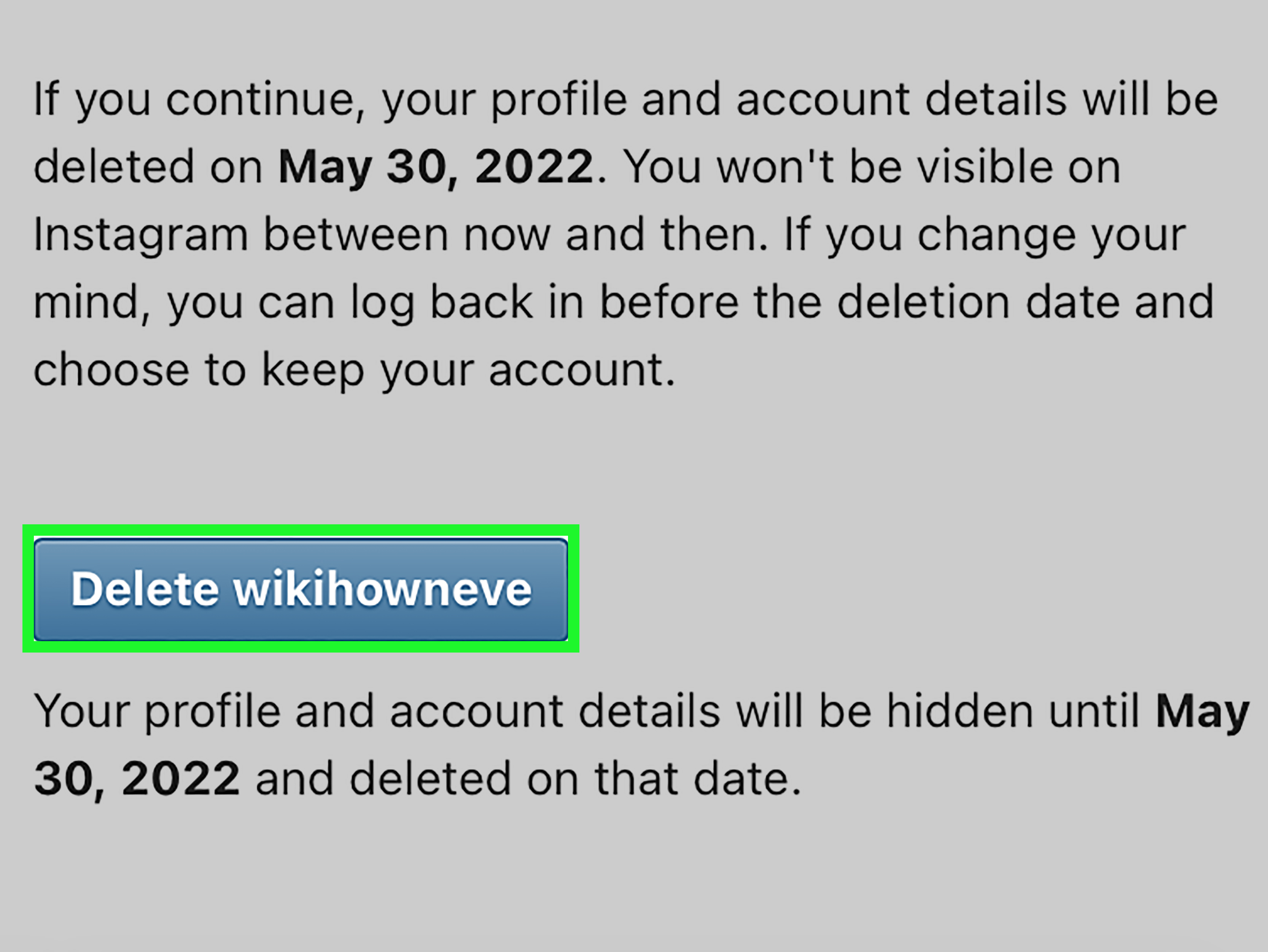
- Choose Delete account, then continue.
- Follow the prompts, choose a reason if asked, enter your password, and confirm.
After you request deletion, Instagram typically gives you a grace period. If you log back in during that period, you may cancel the deletion request. If you are serious about leaving, do not “just check one thing” two days later. That one thing becomes one Reel, then twelve Reels, then suddenly you know how raccoons react to tiny pancakes.
Deletion vs. Deactivation: Do Not Pick the Wrong Exit Door
Before deleting your Instagram account permanently, make sure you understand the difference between deletion and deactivation.
Deactivation is temporary
When you deactivate Instagram, your profile, posts, comments, and likes are hidden from other users. Your account is not erased. You can usually return by logging back in. Deactivation is useful if you need a break, want privacy during a job search, or need to stop doom-scrolling without burning the whole digital house down.
Deletion is permanent
When you delete Instagram, your profile and account data are scheduled for permanent removal. After the grace period ends, you cannot recover the same account. You may also lose access to linked services connected to that Instagram account, including a linked Threads profile in some cases.
Which one should you choose?
Choose deactivation if you are unsure, overwhelmed, or simply need quiet. Choose deletion if you are certain you no longer want the account, have saved important data, and understand that recovery may not be possible after the deletion window ends.
Can You Delete an Old Instagram Account Without Email or Password?
If you do not have the password, email, or phone number, deleting an old Instagram account becomes harder. But you still have a few practical options.
Try every possible recovery detail
Start with the username. Then try old email addresses, former phone numbers, and any Facebook account that may have been connected. If you used Instagram years ago, the account may be linked to a login method you forgot about.
Search your inboxes
Look for old Instagram emails. Search terms like “Instagram,” “security,” “password reset,” “new login,” and “email changed.” These messages may reveal which email address was used or whether the account was changed without your permission.
Check saved passwords
Your browser, iPhone Keychain, Google Password Manager, or password manager app may still have an old Instagram login saved. This is the digital equivalent of finding $20 in a coat pocket, except the coat pocket might help delete a profile from 2014.
Recover the old email or phone number
If the account is tied to an old email address, try recovering that email account. If it is linked to an old phone number, contact your mobile carrier only if you still have a legitimate claim to the number. Do not try to access a number now assigned to someone else.
What If the Instagram Account Was Hacked?
If your Instagram account was hacked, your first goal should be recovery, not deletion. Once you regain control, you can decide whether to keep, deactivate, or delete the account.
Use Instagram’s hacked account tools and follow the instructions carefully. You may need to confirm your identity, verify a previous email, or submit a video selfie if your profile contains photos of you. If the hacker changed your username, email, or phone number, provide as much accurate history as possible.
After recovering the account, secure it before deleting it. Change the password, remove suspicious linked accounts, revoke unknown third-party app access, enable two-factor authentication, and review recent posts, messages, and profile changes. If the account was used to scam people, post a brief warning or message close contacts before deletion so they know not to trust suspicious DMs.
What If Someone Is Impersonating You?
If the account is not yours but is pretending to be you, you cannot delete it yourself. Instead, you should report it as impersonation. Instagram has reporting tools for accounts pretending to be you, your child, someone you represent, or a public figure.
When reporting impersonation, provide clear details. Use your real name, the impersonating username, and any requested identity information. If the fake account is using your photos, explain that. If it is messaging people for money, screenshots can help document the issue.
Do not mass-report randomly or ask strangers to harass the account. That can create more confusion and may not speed up review. A clear, accurate report is stronger than a digital mob with pitchfork emojis.
What If the Account Belongs to Someone Who Died?
Instagram has special processes for deceased-person accounts. Depending on the situation, eligible people may request memorialization or removal. Memorialization preserves the profile as a remembrance space, while removal deletes it. Instagram may require proof, such as an obituary, death certificate, or documentation showing authority to act on behalf of the person.
Instagram will not provide login credentials for another person’s account. Even for family members, the route is a formal request, not account access. This protects the privacy of the deceased person and the people who communicated with them.
Should You Download Your Instagram Data First?
Yes, if you can log in. Before deleting your Instagram account, download a copy of your information. This may include photos, videos, profile information, comments, messages, and other account activity. Meta has moved many information tools into Accounts Center, which can make it easier to manage or export information across Instagram and other Meta products.
To download your data, look for options such as Your activity, Your information and permissions, or Download your information. Choose whether you want a complete copy or selected data. If you care about photos and videos, choose a high-quality export when available. Keep in mind that the download may take time, and the file may only be available for a limited period.
Do this before requesting deletion. Once the account is permanently deleted, you may lose access to Instagram’s data download tool. In plain English: save the memories before you throw away the scrapbook.
Common Mistakes When Trying to Delete Instagram Without Logging In
Mistake 1: Reporting your own account as fake
If the account is actually yours, reporting it as fake may not solve the problem. It is better to recover access through official login support.
Mistake 2: Trusting “account deletion services”
Avoid anyone who claims they can delete your Instagram account for a fee. Many of these services are scams. They may ask for personal information, identity documents, or payment and then disappear faster than your motivation after opening a treadmill box.
Mistake 3: Creating multiple recovery requests with different information
Use consistent details when contacting Instagram. If you submit different names, emails, or explanations every time, it can make verification harder.
Mistake 4: Forgetting linked accounts
If your Instagram is connected to Facebook or Threads, review those connections before deletion. Deleting Instagram may affect linked services, especially if another Meta product depends on that Instagram account.
Practical Checklist: If You Want the Account Gone
- Try password reset with username, email, and phone number.
- Check old inboxes for Instagram security emails.
- Review saved passwords in your browser or password manager.
- Use Instagram’s hacked account recovery if someone took over the profile.
- Recover the connected email account first if needed.
- Download your Instagram data after regaining access.
- Go to Accounts Center and request permanent deletion.
- Do not log back in during the grace period unless you want to cancel deletion.
- Report impersonation if the account is fake and pretending to be you.
- Use deceased-person account forms when handling a loved one’s profile.
Real-World Experience: What It Feels Like Trying to Delete Instagram Without Login
Trying to delete an Instagram account without logging in often feels like standing outside your own house while the keys sit on the kitchen counter. You can see the place. You know it is yours. You may even remember the exact photo you posted in 2017 with a filter that made every meal look like it was photographed during a sunset in a spaghetti commercial. But without proof of access, Instagram will not simply hand over the delete button.
The most common experience starts with an old account. A person searches their name and discovers a dusty Instagram profile from high school, college, a former business, or a forgotten side project. The bio is outdated. The profile photo is embarrassing. Maybe there are three posts, all dramatic, all lowercase, all featuring song lyrics that should have remained in the diary. Naturally, the person wants it gone immediately.
Then reality arrives. The password does not work. The recovery email is an old address. The phone number is from two carriers ago. The account may still exist publicly, but Instagram treats deletion as a high-security action. This is where many users get frustrated and start searching for shortcuts. Unfortunately, most shortcuts lead nowhere useful. Some websites overpromise. Some videos suggest tricks that are outdated. Some “recovery experts” are just scammers wearing a digital mustache.
The best real-world strategy is patience plus documentation. Start by gathering everything that proves the account is yours: old usernames, email addresses, phone numbers, screenshots, previous profile pictures, connected Facebook details, and dates when you may have created the account. If the account includes your face, Instagram’s identity checks may have a better chance of verifying you. If it was a business account, old business emails, domain records, or connected Meta business details may help you rebuild the trail.
People who succeed usually do not find a magic delete button. They recover one piece of access, then use that piece to recover another. For example, they regain an old Gmail account, then receive Instagram’s reset email, then log in, download their data, and finally submit the deletion request. It is not glamorous, but it works. Account recovery is often less like hacking a vault and more like cleaning out a garage: slow, dusty, and strangely emotional.
There is also an emotional side. Deleting an old Instagram account can feel freeing, especially if the profile represents a version of you that no longer fits. But it is worth pausing before permanent deletion. Save photos you care about. Screenshot meaningful messages if appropriate. Tell close contacts if your disappearance might confuse them. Once deletion is complete, the account may be gone for good.
The biggest lesson is simple: treat account access like a spare house key. Keep your email current, use a password manager, enable two-factor authentication, and update your recovery phone number. Future-you will be grateful. Future-you may even be wearing better clothes in profile pictures.
Conclusion
You generally cannot delete an Instagram account without logging in. To permanently delete the account, you must first prove ownership by logging in or completing Instagram’s recovery process. If you forgot your password, lost access to your email, or were hacked, focus on account recovery first. If the account is impersonating you, report it. If it belongs to someone who passed away, use Instagram’s deceased-person request process. If you regain access, download your data before deleting, then use Accounts Center to request permanent removal.
The safest path is not a shortcut; it is a verified path. Recover access, secure the account, save what matters, and then delete it properly. Instagram may make the process feel like a maze, but at least now you have the map.