You’ve got news. Big news. “I’m moving!” “We’re engaged!” “New puppy!” “Please stop sending me FarmVille inviteskidding, it’s 2026.”
And you’d like to tell all your Facebook friends without spending the next three business days copy-pasting the same sentence like a
very determined robot.
Here’s the honest truth: Facebook doesn’t give you one magical “Message Everyone I’ve Ever Friended” button. (And if it did, your inbox would
be a flaming trash can within minutes.) But you can reach all (or nearly all) your friends using a few legit, built-in options
depending on whether you want a one-way announcement, an actual conversation, or an invite-style update.
First: Can You Really Message All Friends at Once?
Not in one single private message thread with every friend you have. Facebook puts limits in place for privacy and spam prevention, and those
limits can also vary based on account signals (like how fast you send messages or whether you’ve been flagged before). Translation:
Facebook is trying to keep “Hey bestie” from turning into “Hey 3,742 besties (and also 19 people I met once at a cookout).”
The good news: you have several practical workarounds that are faster, cleaner, and way less likely to get you temporarily restricted.
Let’s pick the right tool for what you’re trying to do.
The Best Ways to Reach All Your Facebook Friends (Pick Your Goal)
Option 1: Post Once to Your Friends (Best for announcements)
If you’re sharing news (new job, new baby, new haircut, new hyperfixation), the simplest way to reach all friends is to
post on Facebook and set the audience to Friends.
It’s fast, it respects privacy settings, and your friends can react without you creating a 150-person group chat that instantly becomes
“who are these people and why is someone arguing about pineapple on pizza?”
- Use this when: You want everyone to see the same update.
- Bonus: You can pin the post for visibility and share it again later if needed.
Option 2: Share to a Custom Friends List (Best for “not everyone”)
Want to message “all friends” but really you mean “all friends who won’t screenshot my life updates and send them to my aunt”?
Create a custom friend list and share posts to that list. This is great for updates meant for a specific circle
(family, coworkers, neighbors, your book club that never reads the book).
- Use this when: You want to target a subset of friends without DM’ing them all.
- Bonus: You can reuse the same list later (goodbye, endless audience selecting).
Option 3: Send a Group Message (Best for one-time outreach)
Facebook lets you create a single message and add multiple friends as recipientsup to a set limit. This works like a “group DM,”
where everyone can see replies unless they leave or mute the chat. It’s the closest thing to a “message everyone” feature,
but it still has guardrails.
- Use this when: You need a quick one-time message to many friends.
- Warning: It can get noisy fast if people start replying with “Congrats!” one at a time.
Option 4: Create a Messenger Group Chat (Best for ongoing conversation)
If you want real discussionplanning a trip, organizing a reunion, coordinating a surprisecreate a Messenger group chat.
Group chats have their own participant limits, and they can be easier to manage than a giant thread where half the people never asked to be there.
Option 5: Create a Facebook Group (Best for communities and repeat updates)
If you regularly need to communicate with a big chunk of your friendslike a team, club, neighborhood, or alumni circlemake a
Facebook Group. You can post updates there, create events, use polls, and keep things organized.
Option 6: Create a Private Event and Message Guests (Best for invites)
For parties, weddings, meetups, and “please come help me carry boxes” situations, a private Facebook Event is often the best
“message everyone” substitute. You invite friends, and then you can message guests about updates like time changes, parking, or what to bring.
How to Send a Group Message to Multiple Facebook Friends (Step-by-Step)
This is the most direct way to send one message to a lot of friends quicklywithout posting publicly.
Keep in mind that Facebook may restrict bulk messaging if it thinks you’re spamming.
On the Facebook app (iPhone/Android)
- Open Messenger (or the Messages area in the Facebook app).
- Tap Compose (the pencil/new message icon).
- Select multiple friends as recipients.
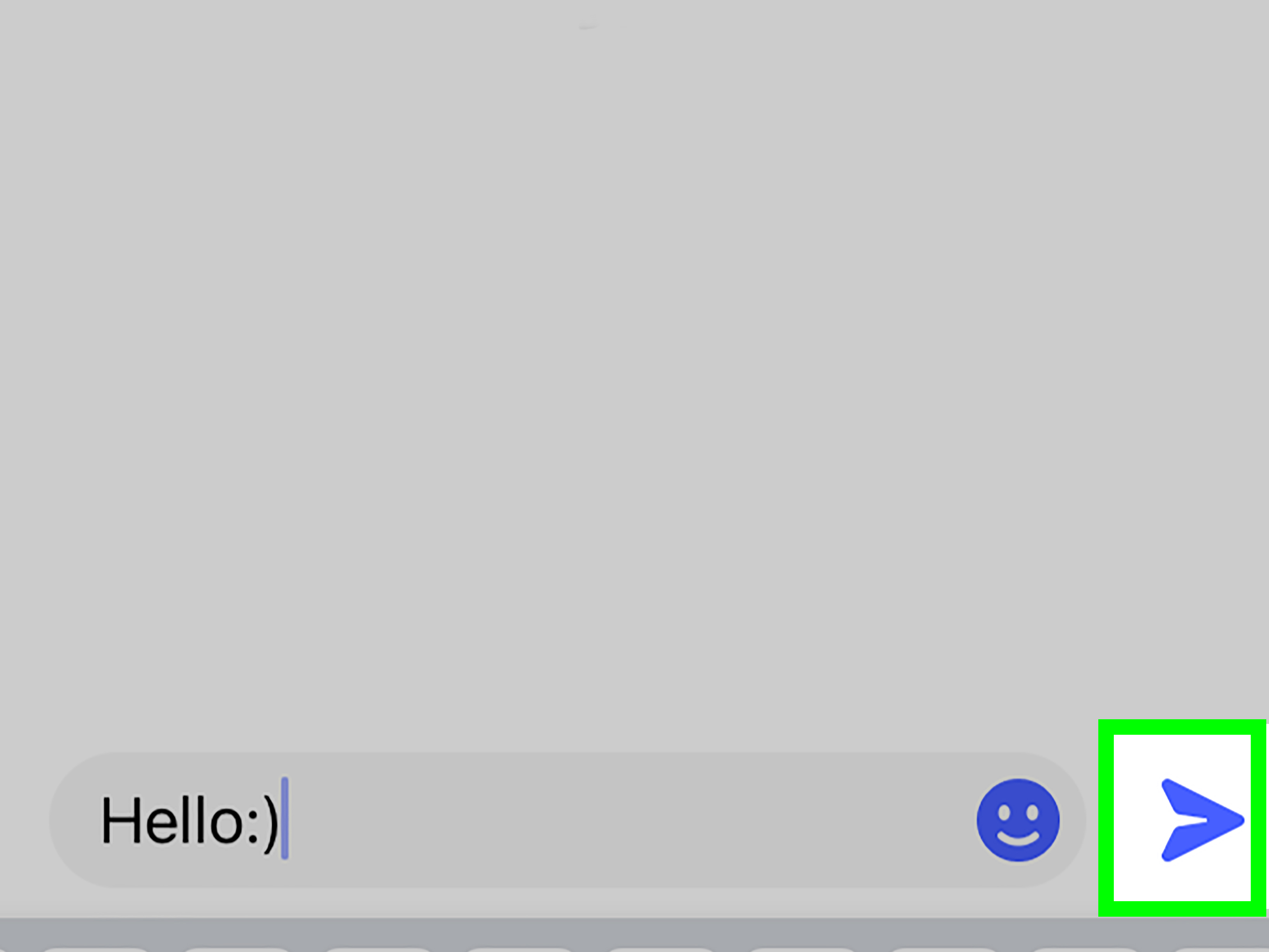
- Type your message.
- Hit Send.
On desktop (Facebook.com or Messenger.com)
- Open Messenger in your browser.
- Click New message.
- Add friends by name (you’ll see suggestions as you type).
- Write your message and click Send.
Pro tip: If you’re sending something like a new phone number, include context so it doesn’t look like spam:
“Hey! It’s Alexnew phone, who dis (me). Here’s my updated number…”
How to Create a Messenger Group Chat for “All Your Friends” (Step-by-Step)
If you want people to reply and coordinate together, a group chat is the move. You can also name the group so it doesn’t look like a mystery thread.
(“Important Announcement” sounds like a corporate training video; “Saturday Plans” sounds like pizza.)
Create a group chat (mobile)
- Open Messenger and tap Compose.
- Select Group chat.
- Add friends by typing names.
- Name the group (optional but recommended).
- Send your first message.
Add someone later
- Open the group chat.
- Tap the chat name at the top.
- Choose Add, then select the person you want to include.
Reality check: Not everyone loves being added to large group chats. If your message is mostly informational,
a post (Option 1) or event (Option 6) may be kinder to your friends’ notificationsand your friendships.
What If You Have Way More Friends Than the Limits?
If you’ve got hundreds or thousands of Facebook friends, you’ll need a strategy that scales without looking like spam.
Here are your best “reach everyone” methods:
- Make a Friends-only post (fastest for broad updates).
- Use multiple group messages split into smaller batches (but don’t do this rapidly).
- Create a group and invite friends who actually want ongoing updates.
- Create a private event if the goal is to coordinate attendance and logistics.
- Use custom friend lists if you need different messages for different circles.
How Not to Get Flagged (AKA: Don’t Accidentally Act Like a Spambot)
Facebook uses anti-spam systems to protect people from bulk unsolicited messaging. If you send too many messages too quickly,
or send the same message repeatedly (especially with links), you can run into temporary limits.
Best practices that keep things smooth
- Personalize when possible: Even one sentence like “Hey, long time!” helps.
- Avoid rapid-fire sending: If you’re splitting messages into batches, take breaks.
- Be careful with links: Lots of identical links can look spammy.
- Ask for consent if it’s promotional: Friends don’t automatically want marketing messages.
- Use the right channel: Announcements belong in posts; coordination belongs in chats/events.
Examples: The Best Method for Common Situations
You got a new phone number
- Best: A Friends-only post + a small group message to your closest people.
- Why: Posting covers everyone; messaging keeps your inner circle from missing it.
You’re inviting everyone to a party
- Best: Create a private Event and invite friends.
- Why: People can RSVP, get reminders, and you can share updates in one place.
You’re planning a group trip
- Best: Messenger group chat (or a group + chat).
- Why: You need back-and-forth conversation, not 150 separate replies.
You’re launching a side hustle
- Best: Post to Friends (or a specific friend list), and invite interested people to follow a Page.
- Why: Messaging everyone directly can look spammyeven if you make excellent candles.
Troubleshooting: When Facebook Won’t Let You Message Everyone
“I can’t add more people”
You’ve likely hit a recipient or participant limit. Switch to a Friends-only post, create a group, or split into smaller, slower batches.
“I got temporarily blocked”
This can happen if you’re sending too many messages too quickly or repeating the same text. Pause, slow down, and consider using a post or event instead.
“People aren’t seeing my message”
Some messages may land in requests depending on the recipient’s privacy settings. If it’s important,
make a post as a backup or ask close friends to check message requests.
Quick Summary: The Smartest Way to “Message All Friends”
- Want everyone to know something? Make a Friends-only post.
- Want a conversation? Create a Messenger group chat (but keep it reasonable).
- Want to invite people? Use a private Event and message guests there.
- Want to target specific circles? Use custom friend lists.
Bottom line: the fastest way to reach all your Facebook friends usually isn’t a giant DMit’s choosing the channel that matches your goal.
Your friends get the info, your notifications stay sane, and you don’t accidentally trigger Facebook’s “are you a robot?” alarms.
Everybody wins (especially your thumbs).
Real-World Experiences People Commonly Have When Trying This (Extra Insights)
Even though the steps are pretty simple, the experience of trying to message “everyone” on Facebook can be… memorable.
If you’ve ever thought, “This should take two minutes,” and then suddenly you’re 45 minutes deep in notification chaos, you’re not alone.
Here are a few common, very human scenarios people run intoand how they typically adapt.
1) The “Happy Update” That Turns Into 137 Side Conversations
A classic move: someone tries a group message to share good newsnew job, engagement, moving announcementexpecting quick reactions.
What happens next is a surprisingly accurate social experiment. A few friends reply with congratulations (great!). Then one friend asks a
follow-up question (also great). Then another friend replies to that question… and suddenly the group chat becomes a living organism that
will not stop growing. Meanwhile, half the people are quietly thinking, “I love you, but I did not consent to a group chat named ‘BIG NEWS!!!’”
and another quarter are searching for the mute button like it’s the last lifeboat on the Titanic.
In real life, people often learn a simple lesson: if the update doesn’t require replies from everyone, a Friends-only post works better.
You still get reactions and comments, but the conversation stays attached to the postrather than exploding into a chat thread that pings
every time someone types “OMG!!!” with varying numbers of exclamation points.
2) The “New Phone, Who Dis” Message That Looks Suspicious
Another common experience: someone loses contacts or changes numbers and wants to notify friends quickly. They send a short message like,
“Hey, this is my new number.” Totally normal… except it’s also exactly the kind of vague message people associate with scams.
Friends may ignore it, ask “Who is this?” orworst casereport it because it feels off.
When people do this successfully, they usually add two things: identity and context.
For example: “Hey! It’s Jordan from high schoolnew phone and I’m rebuilding my contacts. Here’s my new number if you want it.”
That tiny bit of detail makes the message feel human, not sketchy.
3) The “Invite Everyone” Moment That Works Better as an Event
Planning a party, reunion, or fundraiser is where many people realize messaging isn’t always the best tool. Sending a mass DM with date/time
details seems efficientuntil you get 50 separate replies asking the same questions: “Where is it?” “What time again?” “Is it indoor/outdoor?”
“Can I bring someone?” “Is there parking?” “What should I wear?” (Answer: clothes. Ideally.)
This is why Events are so popular in practice: they centralize details, RSVPs, reminders, and updates. The lived experience is calmer.
Instead of answering the same question 50 times, people update the event description once and message guests when something changes.
4) The “Facebook Told Me to Slow Down” Reality Check
A surprisingly common story: someone tries to reach a lot of friends quicklymaybe in multiple batchesand Facebook temporarily restricts them.
It’s frustrating, but it usually happens when the messaging behavior looks automated: too many recipients, too fast, too repetitive.
When people adjust and succeed, they tend to:
- Take breaks between batches
- Change wording slightly (without turning it into a novel)
- Use a post for broad reach, then message only close friends who need to act
5) The “I Didn’t Want to Bother Anyone” Solution
Some people hesitate because they don’t want to be “that person” who blasts everyone. The practical compromise is:
post to Friends for the big update, then DM smaller groups for anything that needs action (like a direct invite or a request for help).
In real-life use, this approach tends to feel respectful and gets better responsesbecause the right people get the right message,
and no one wakes up to a 2:00 a.m. group chat called “IMPORTANT!!!”
If you take one takeaway from these everyday experiences, let it be this: the best method isn’t the one that reaches the most people the fastest.
It’s the one that matches what you’re sharingand doesn’t make your friends sprint for the mute button.