If you just found an old iPhone in a drawer, bought one secondhand, or are trying to win an argument with that one friend who swears, “It’s basically the same phone,” welcome. The iPhone 4 and iPhone 4s look so similar that Apple could have called the sequel iPhone 4: Now With Extra Mystery. But they are not the same device, and once you know what to look for, the differences become surprisingly easy to spot.
This guide breaks down exactly how to tell an iPhone 4 from a 4s, from physical clues and model numbers to camera specs, performance, and software features. Whether you are buying, selling, collecting, or just satisfying your inner gadget detective, here is the no-nonsense explanation.
Why People Confuse the iPhone 4 and iPhone 4s
The confusion makes sense. Both phones share the same iconic flat-glass design, the same 3.5-inch Retina display size, and the same stainless steel band around the edges. At a glance, they look like twins dressed in the same outfit. But under the hood, the iPhone 4s is the more advanced model.
Apple introduced the iPhone 4 in 2010, then launched the iPhone 4s in 2011. Instead of giving the newer phone a dramatic redesign, Apple kept the look and upgraded the internals. So the easiest way to think about it is this: the iPhone 4s is the stealth-upgrade version of the iPhone 4.
The Fastest Way to Tell an iPhone 4 from a 4s
If you want the quickest answer, use this simple checklist:
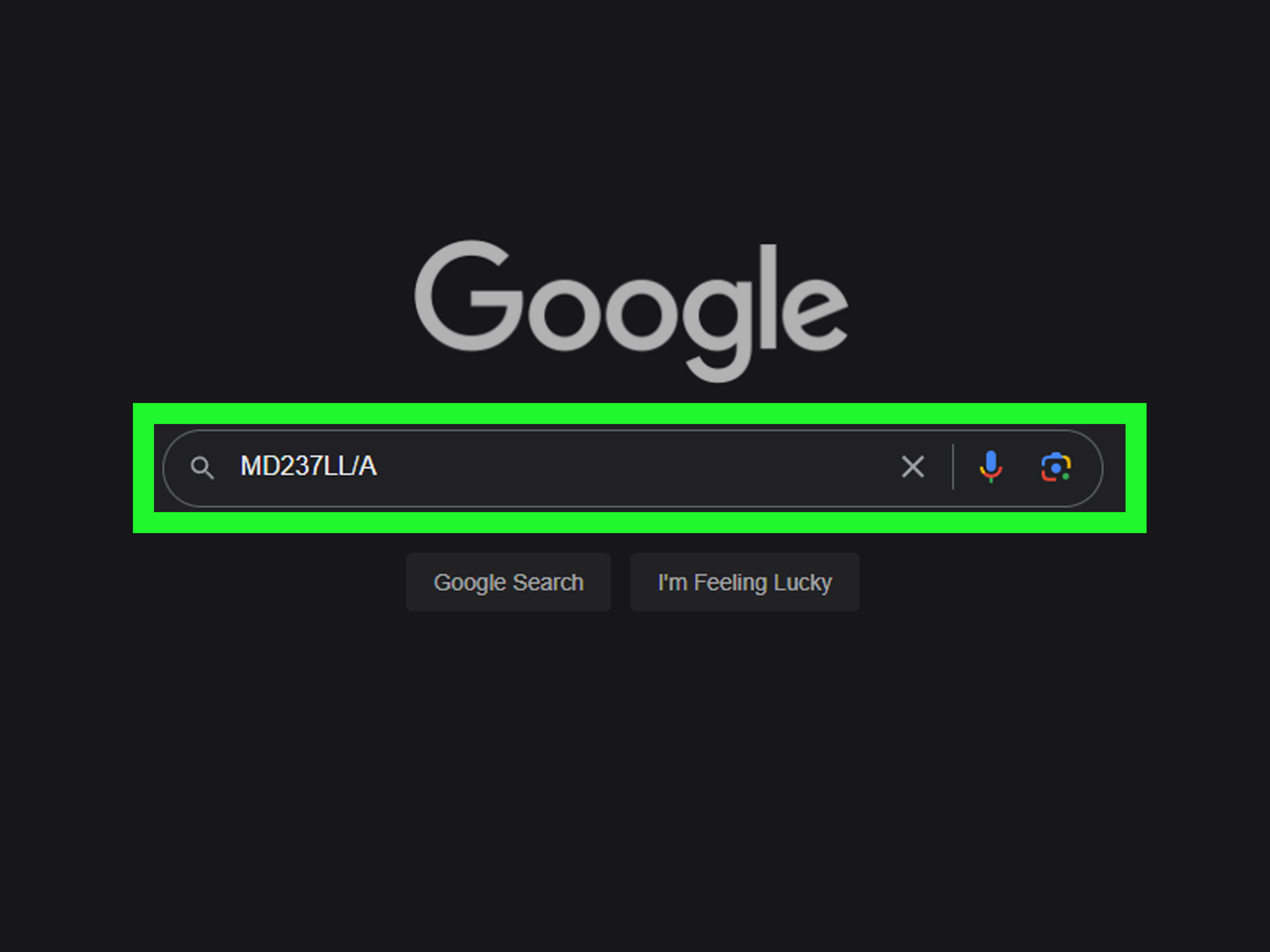
- Check the model number on the back: iPhone 4 models are A1332 or A1349. iPhone 4s models are A1387 or A1431.
- Look at the antenna bands: the iPhone 4s has a revised antenna layout with more visible breaks in the metal band.
- Open Settings: go to Settings > General > About and check the model information.
- Test Siri: if the phone officially supports Siri, it is an iPhone 4s, not an iPhone 4.
- Try the camera: the 4s has a noticeably better rear camera and records 1080p video instead of 720p.
If you only remember one thing, remember the model number. It is the cleanest, least dramatic, and most argument-ending way to identify the phone.
Physical Differences Between iPhone 4 and iPhone 4s
1. Antenna Band Layout
This is the physical clue most tech enthusiasts look for first. The iPhone 4s uses a redesigned dual-antenna system, which changed the placement of the black antenna breaks in the stainless steel frame.
On the iPhone 4, the antenna layout depends a bit on the exact version, but the original GSM iPhone 4 generally has fewer visible breaks than the iPhone 4s. The iPhone 4s typically has four visible antenna breaks around the metal rim, with breaks appearing on both sides near the top and bottom. In plain English: the 4s looks a little more segmented around the edge.
If you are comparing two phones side by side, this detail is surprisingly useful. If you are squinting at a blurry marketplace photo, it is less helpful than a chocolate teapot. Still, on a real device in your hand, it works.
2. SIM Tray Differences
Most iPhone 4 and 4s models use a micro-SIM tray on the right side. But there is one twist: the CDMA version of the iPhone 4 does not have a SIM tray. That can be a giveaway if you are holding an older carrier-specific unit.
The iPhone 4s, by contrast, was more flexible as a world phone and supported both GSM and CDMA connectivity in a more unified design. So if you are dealing with international compatibility or old carrier versions, the 4s is the more capable device.
3. Weight
The difference is tiny, but technically the iPhone 4s is slightly heavier. The iPhone 4 weighs about 4.8 ounces, while the iPhone 4s comes in around 4.9 ounces. You will not feel that difference unless your fingers are NASA-calibrated, but it is there.
Model Numbers: The Most Reliable Identification Method
If the back of the phone is readable, this is your best move.
iPhone 4 model numbers
- A1332 – GSM iPhone 4
- A1349 – CDMA iPhone 4
iPhone 4s model numbers
- A1387 – standard iPhone 4s
- A1431 – China variant of the iPhone 4s
You can also check inside iOS. Open Settings > General > About. Depending on the software version, you may see the model number directly or need to tap the part number to reveal it. This method is especially useful on older used phones, where cosmetic repairs or swapped outer parts can make visual identification less trustworthy.
Internal Differences: What Changed from iPhone 4 to 4s?
1. Processor: A4 vs. A5
The iPhone 4 runs on Apple’s A4 chip, while the iPhone 4s uses the dual-core A5 chip. That might sound like alphabet soup from a tech conference buffet, but it matters. The iPhone 4s is faster at launching apps, handling graphics, and moving through the interface.
In real-world use, the 4s feels less like it is thinking about your request and more like it is actually doing it. The iPhone 4 is not unusable as a relic, but the 4s is clearly the snappier phone.
2. Camera: One of the Biggest Upgrades
This is one of the easiest functional differences to notice.
- iPhone 4: 5-megapixel rear camera, 720p HD video recording
- iPhone 4s: 8-megapixel rear camera, 1080p HD video recording
The iPhone 4s also brought major improvements in image quality, low-light performance, and capture speed. Apple positioned it as a serious camera step forward, not a tiny tweak. If you take a photo and it looks suspiciously better than you expected from a phone that old, chances are you have a 4s.
Both phones have a front-facing VGA camera, so the front camera will not help much. The rear camera is where the real separation shows up.
3. Siri: The Signature 4s Feature
Here is the headline feature that made the 4s famous: Siri. Apple introduced Siri with the iPhone 4s, and it was one of the biggest marketing points for the device.
The iPhone 4 does not officially support Siri. It has Voice Control on older software, but that is not the same thing. If the device has genuine native Siri support, you are looking at an iPhone 4s.
This matters because Siri was not just a fun talking feature back then. It was the easiest badge of identity. In 2011, if your iPhone answered back like a tiny digital assistant with confidence problems, it was the 4s.
4. Wireless and Network Support
The iPhone 4s improved connectivity in several ways. It supported a revised dual-antenna design and faster HSDPA speeds, and it functioned as a world phone with both GSM and CDMA support. The iPhone 4 had separate GSM and CDMA versions, making the lineup more fragmented.
Neither phone is a true 4G LTE iPhone, despite years of confusing marketing language and casual misuse of “4G.” These models are firmly part of the 3G-era world. So if someone tries to sell you an “iPhone 4 4G,” you are allowed one raised eyebrow.
5. Bluetooth and Location Features
The iPhone 4 supports Bluetooth 2.1 + EDR, while the iPhone 4s moved to Bluetooth 4.0. The 4s also added support for GLONASS alongside GPS, giving it better location capabilities on paper. These are not the first things most buyers check, but they help explain why the 4s was considered a more refined and future-ready device.
Display and Design: What Stayed the Same
Not everything changed. In fact, many things did not.
- Both phones have a 3.5-inch Retina display
- Both use a 960 x 640 resolution at 326 ppi
- Both come in black and white
- Both feature glass on the front and back
- Both use the classic 30-pin dock connector
This is exactly why so many people mix them up. From the front, they are basically wearing the same uniform. The 4s is the sibling with better grades, better camera skills, and a new virtual assistant.
Storage Options: Another Helpful Clue
Storage can offer a hint, though it should not be your only clue.
- iPhone 4: 8GB, 16GB, 32GB
- iPhone 4s: 8GB, 16GB, 32GB, 64GB
If the phone is a 64GB unit, it is a 4s. Easy win. But if it is 8GB, 16GB, or 32GB, that alone does not settle anything.
How to Check in Settings If the Phone Still Turns On
If the device powers up, do this:
- Open Settings
- Tap General
- Tap About
- Look for the Model or Model Number
Then compare what you see:
- A1332 or A1349 = iPhone 4
- A1387 or A1431 = iPhone 4s
This is the method to use when you are buying online and can ask the seller for a screenshot. It is faster than decoding fuzzy photos of the side rails like you are working on a tiny episode of forensic television.
Which iPhone Is Better: 4 or 4s?
If you are choosing between them purely on capability, the iPhone 4s is the better phone. It is faster, has a much stronger rear camera, supports Siri, and offers broader network flexibility. Apple treated it like a major internal upgrade, even though the outside changed very little.
The iPhone 4 still matters historically. It introduced the striking glass-and-steel design that defined Apple’s next era. But the 4s is the more polished version of that design. It is the one that fixed more problems, expanded features, and made the platform feel more mature.
Common Mistakes People Make When Identifying These Phones
They rely only on the front view
Bad idea. From the front, the two phones are nearly identical.
They assume Siri can be judged by the iOS version alone
Also risky. The iPhone 4 can run some later software than people expect, but it still does not officially become a Siri phone.
They ignore the carrier version
The iPhone 4 came in GSM and CDMA variants, which can affect the SIM tray and physical details. That is why model numbers matter more than guesswork.
They trust marketplace listings too much
Online sellers are often honest, but not always accurate. “iPhone 4/4s” in a listing title sometimes means “I did not check and hope you do not ask.” Ask for the model number.
Real-World Experiences: What People Notice First
In everyday life, most people do not identify an iPhone 4 or 4s by memorizing spec sheets. They figure it out through small clues. A seller pulls one out of a drawer and says, “I think it’s a 4s,” and suddenly everyone becomes a part-time museum curator. The first thing people usually notice is not the processor or Bluetooth standard. It is the overall feel of the phone and whether the details line up.
One common experience happens when someone buys an older iPhone from a resale marketplace. The photos look fine, the body is clean, and the seller confidently uses the phrase “works great,” which can mean almost anything from “mint condition” to “sometimes charges if the moon is in the right phase.” Once the buyer gets the phone in hand, the visual similarities between the iPhone 4 and 4s create instant confusion. The front looks the same. The back looks almost the same. The stainless steel edge looks familiar. That is usually when people start inspecting the antenna breaks and checking the model number like they are decoding ancient treasure maps.
Another very common moment comes when the phone powers on. If the interface feels a little sluggish and the camera seems basic, people start suspecting it is an iPhone 4. If it feels surprisingly smooth for such an old device and the camera performs better than expected, the guess shifts toward the 4s. It is not a perfect method, but in real use the 4s often gives itself away by being less stubborn. The 4 sometimes feels like it needs a motivational speech before opening an app.
Camera testing is another real-world shortcut. People snap a quick picture, record a short video, and compare the result. The iPhone 4s tends to look more confident here. Photos are stronger, video quality is better, and the device feels more like Apple seriously cared about the camera instead of simply making sure one existed. For buyers who want an old iPhone for collecting, light use, or nostalgia, this can be the deciding factor.
Then there is Siri. On old Apple devices, Siri is still one of those instant identity clues that people remember. If you press and hold the Home button and get Siri, that is a huge giveaway. If you do not, you may be looking at an iPhone 4. This makes the 4s easier to identify for people who are not hardware experts. They may not know A1387 from A1332, but they know whether the phone talks back.
Collectors and longtime Apple fans often describe the iPhone 4s as the version that perfected the iPhone 4 idea. In practical experience, that is exactly how it feels. The iPhone 4 is the design icon. The iPhone 4s is the same iconic suit with better shoes, better reflexes, and better small talk. If you are trying to identify one in the wild, your best real-world strategy is simple: check the model number, inspect the antenna layout, test Siri, and try the camera. Do those four things, and the mystery disappears fast.
Final Verdict
If you are wondering how to tell an iPhone 4 from a 4s, start with the model number and finish with the functional clues. The iPhone 4 is older and simpler, with an A4 chip, 5MP camera, and no official Siri support. The iPhone 4s keeps the same basic look but upgrades the processor to the A5, boosts the rear camera to 8MP with 1080p video, adds Siri, and uses a revised antenna design.
So yes, they look alike. But once you know where to look, telling them apart is easier than separating identical twins when one is carrying a better camera and answering questions out loud.